Features
Advantage360 Limited keyboards are not returnable.
The keycaps are white, PBT blanks but you can use the code LTDKEYCAPS to get a free set of any 360 keycaps at the time of purchase (Offer may not be combined with other coupons). Note: Keycap backlighting is only supported on the Pro model and only if you separately purchase the ABS Shine-Through keycap set.
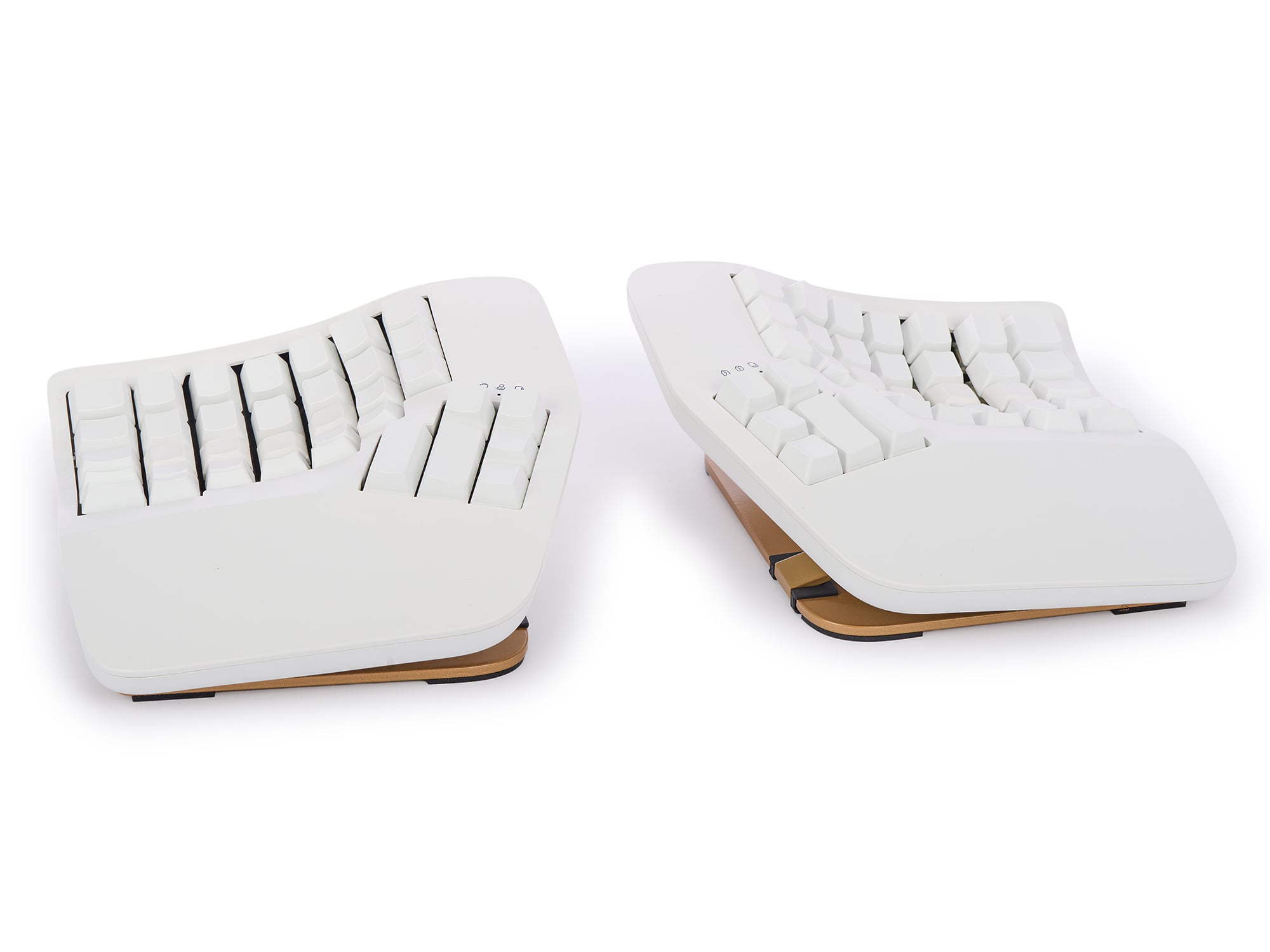
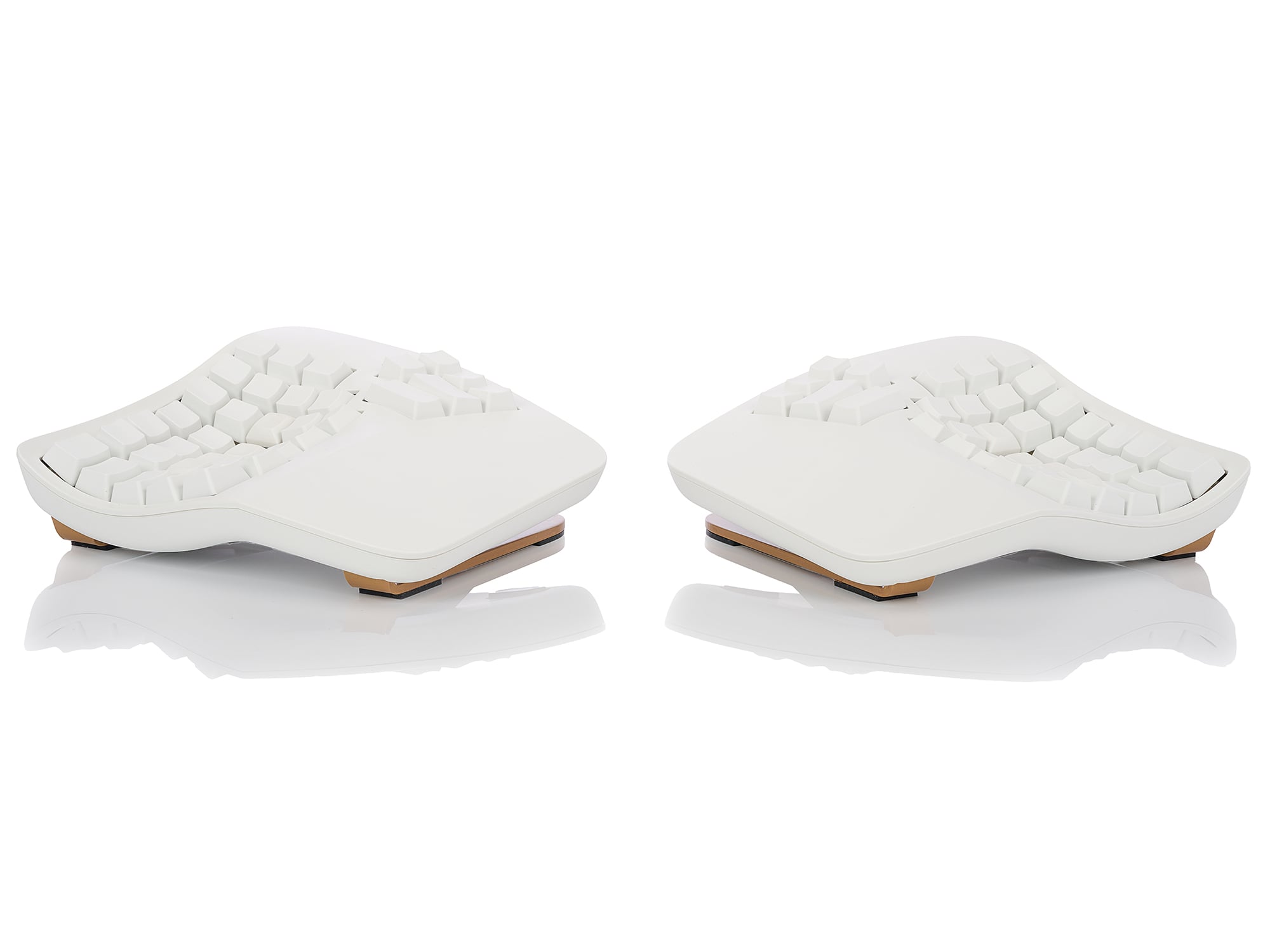
As the market leader in computer ergonomics, Kinesis has been designing and building premium-grade ergonomic keyboards for more than 25 years. The all-new Advantage 360 features our patented Contoured keyboard design now in a fully split form factor for even more ergonomic adjustability.
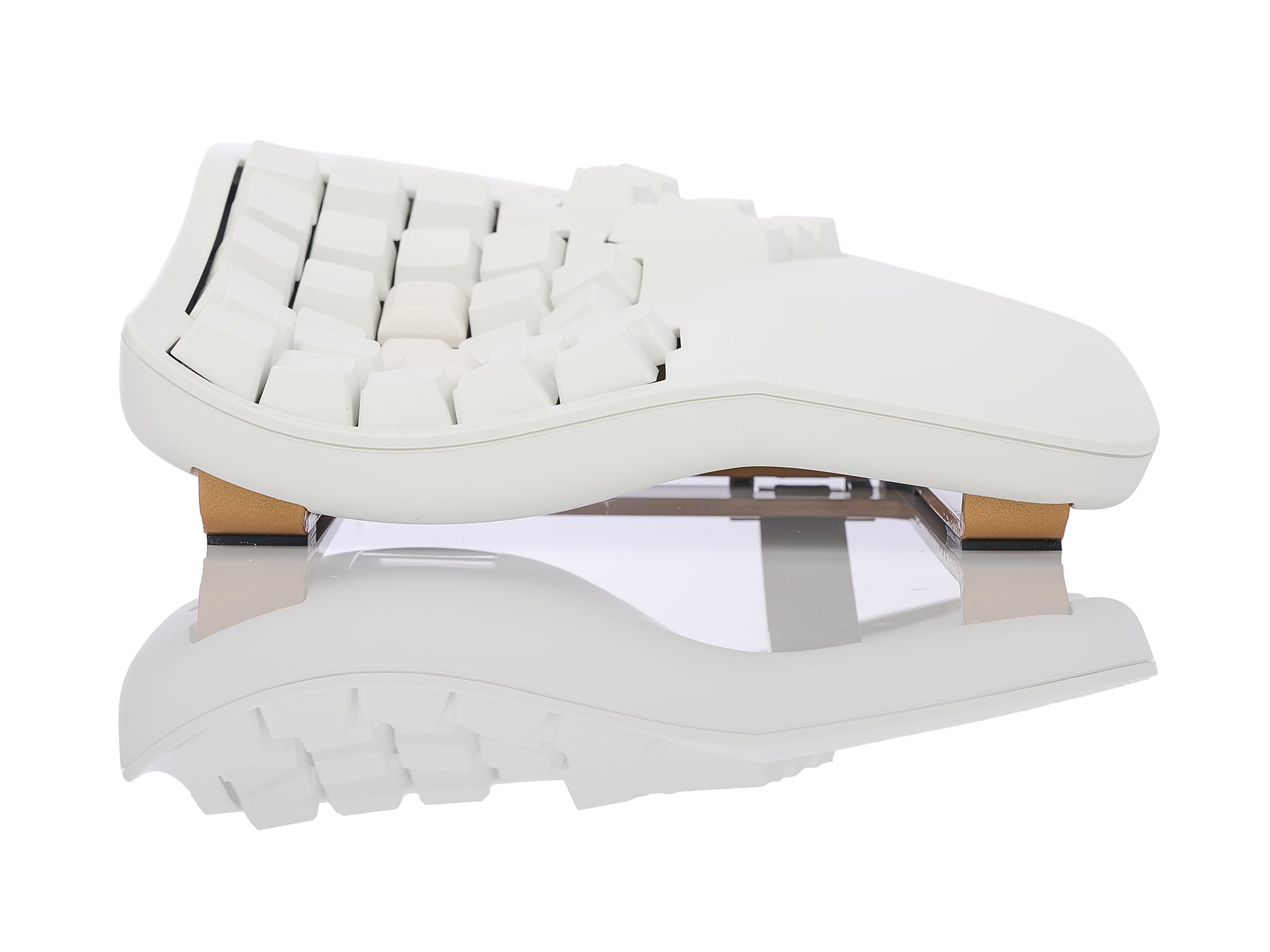
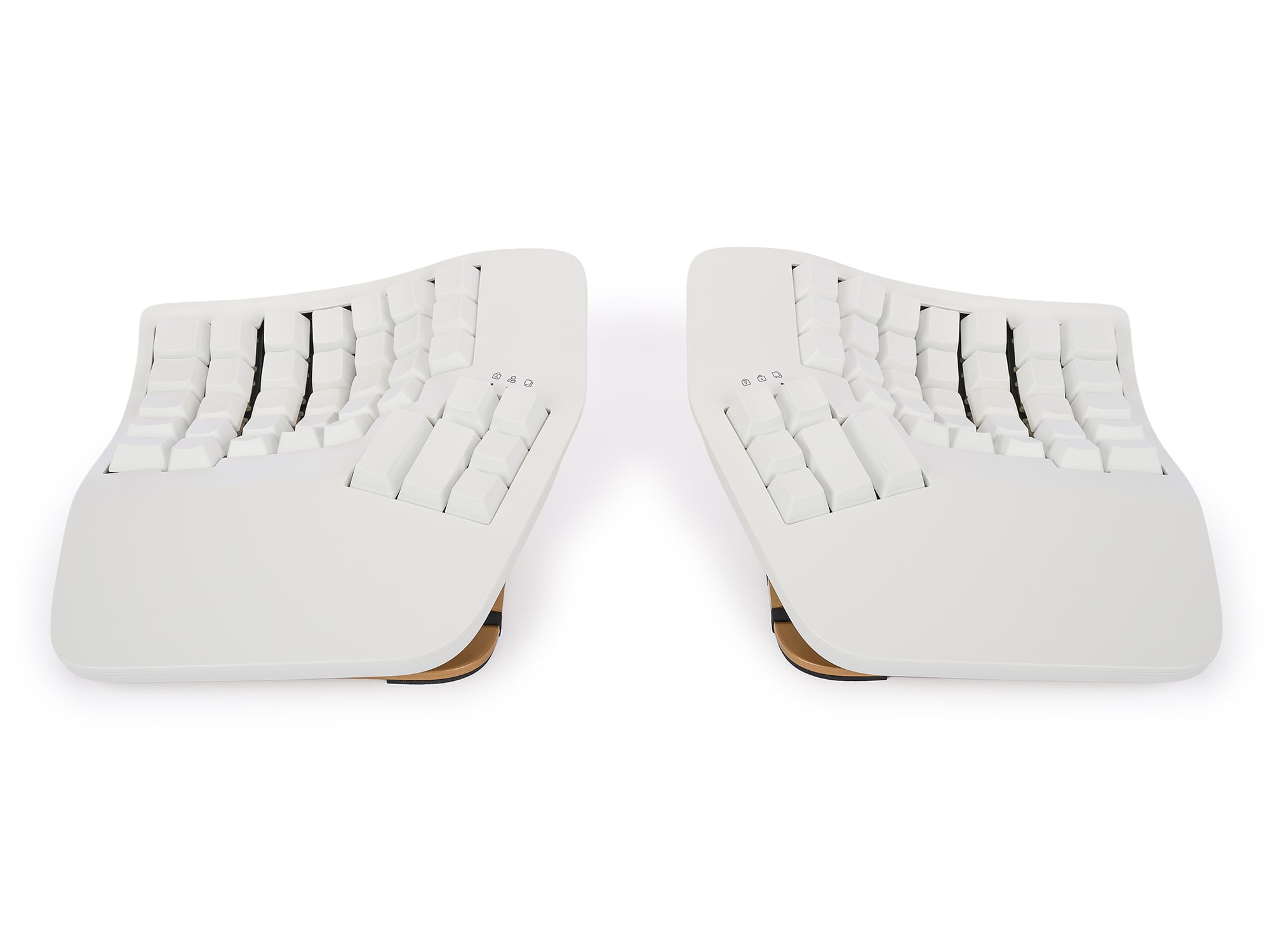
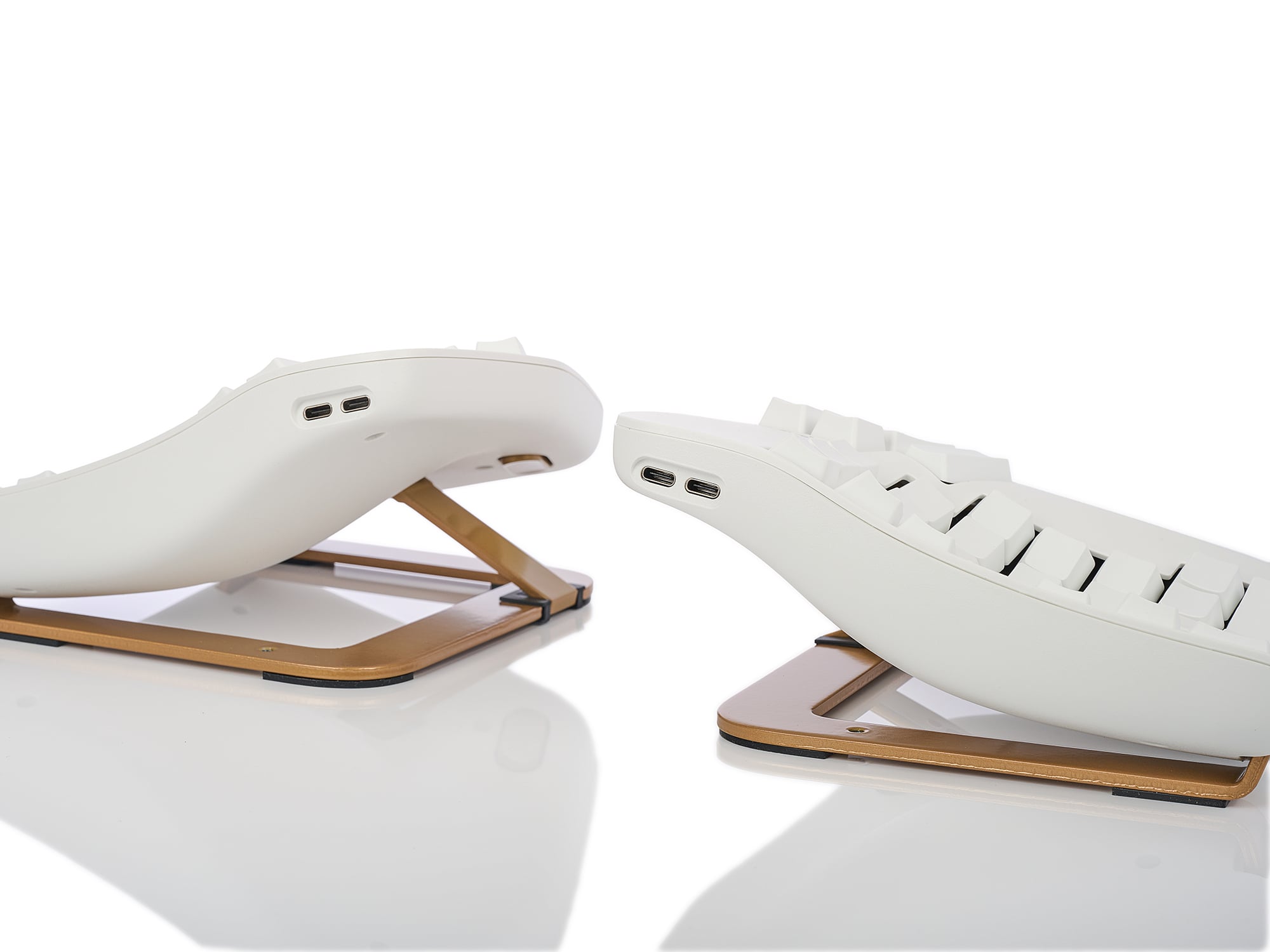
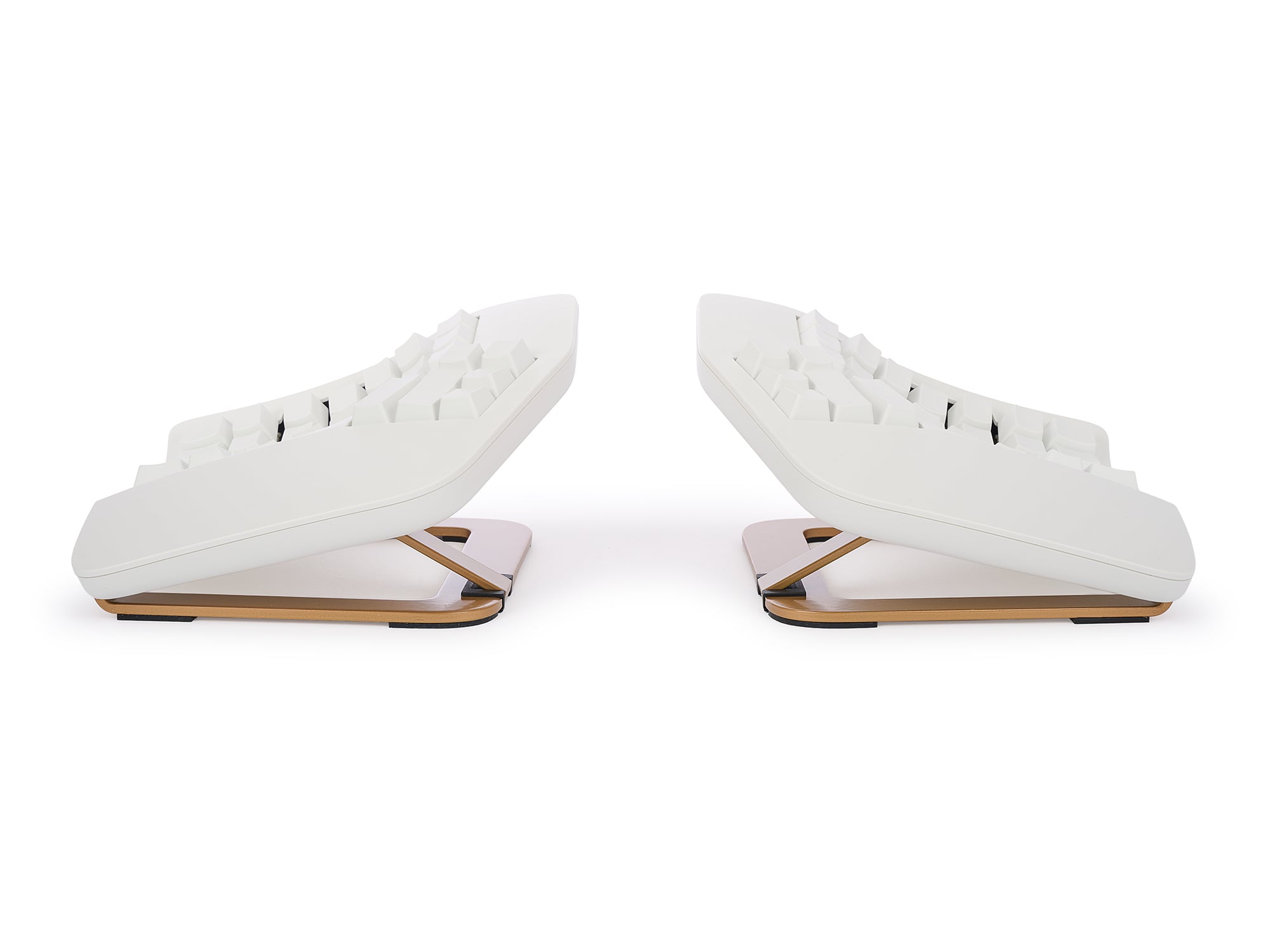
Separate the two key modules to shoulder-width and rotate them to reduce painful ulnar deviation. And use the integrated tenting mechanism to choose from one of three heights to reduce forearm pronation.
Ergonomic Features
- Concave keywells are scooped into a bowl shape to reduce hand and finger extension and relax muscles.
- Separating the keywells positions the arms at shoulder-width to keep wrists straight and perpendicular to the home row to reduce abduction and ulnar deviation. Learn More
- The keys are arranged in vertical columns (rather than staggered) to better reflect the natural motion of your fingers.
- The two keywells are “tented” to moderately raising the thumb side of the hand. Tenting puts you in a more neutral, “handshake” posture and reduces the stresses caused by forearm pronation. Choose from one of three heights depending on your preferences. Learn More
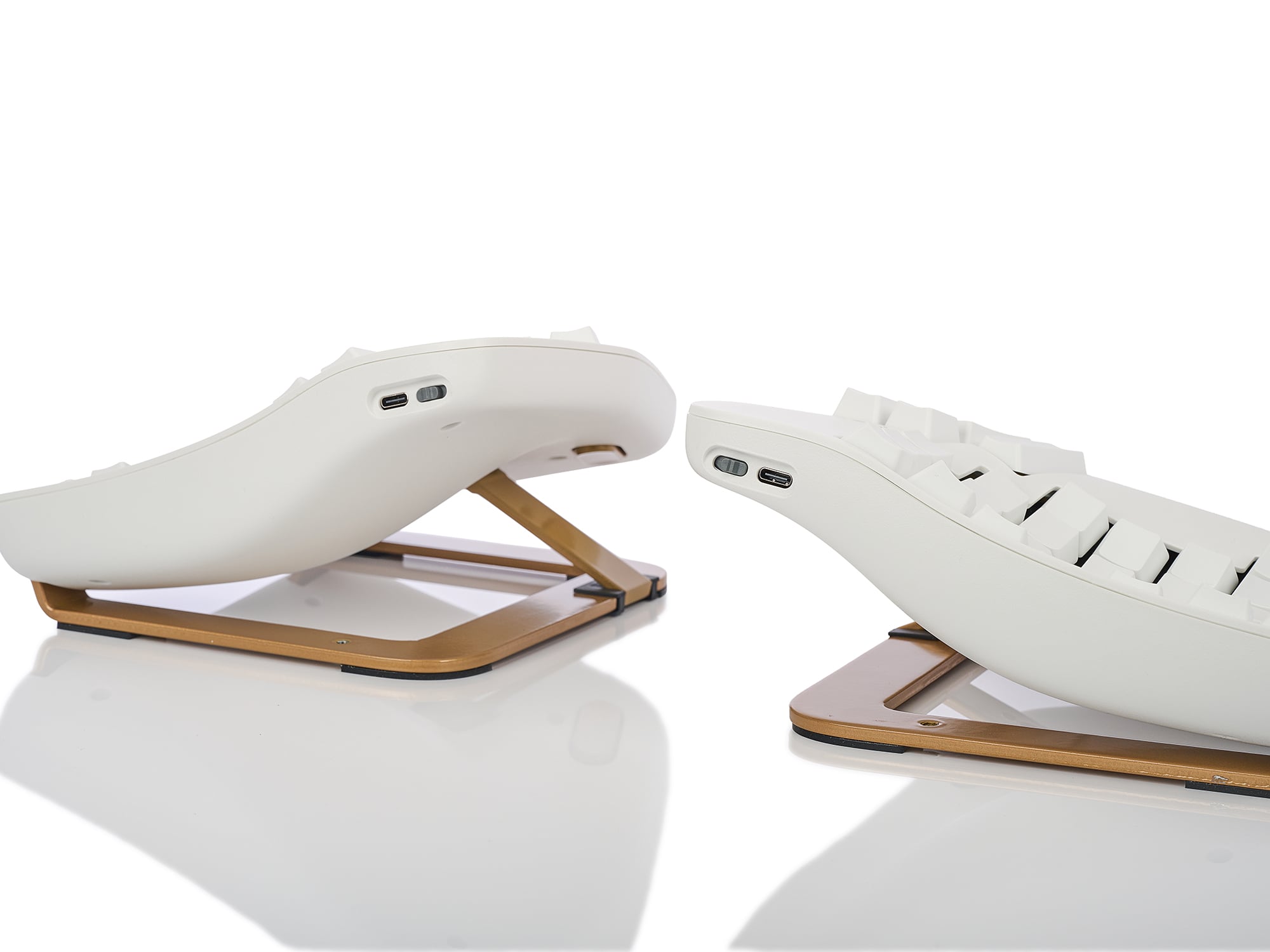
- The integrated palm supports reduce stressful bending of the wrists and provide a convenient place to rest your hands when you are not actively typing. Add the new premium pads for even more support (AC360PP Sold Separately) . Learn More
- The thumb clusters include frequently-used keys such as Enter, Space, Backspace, and Delete to redistribute the workload away from your relatively weaker and overused little fingers to stronger thumbs.
- The Advantage360 may look big, but it actually has a smaller footprint than most keyboards because we eliminated the numeric 10-key so you can place the mouse closer to your body, reducing painful “over-reach”. Learn More
- Functions keys are located in the number row and accessed via the Fn Key for reduced reach and enhanced portability.
Electronics
Advantage360 SmartSet (USB)
The fully programmable Advantage360 features Kinesis’ new-and-improved SmartSet Programming Engine that allows you to customize the keyboard’s layout without installing any clunky software or special drivers, or accessing the internet. Record macros, remap keys, and much, much more using convenient onboard shortcuts. SmartSet works on all major operating systems and enables users to easily create, view, edit, share, and backup their custom layouts.
- 9 programmable layouts each with 5 programmable layers. Move between layers with a tap or a hold.
- Windows/Mac/PC Switchable
- One-touch, onboard key remapping so you can customize the layout to suit your typing style and preferences
- Heavy-duty, on-the-fly macros up to 300 characters long. Choose from 9 playback speeds and add timing delays to ensure proper playback.
- All settings are saved to the keyboard’s 8MB flash memory.
SmartSet Programming App
Prefer a graphical interface for customizing the Advantage’s layout and settings? Download the SmartSet App from our support page and customize Profiles or Settings on Windows or macOS.

Advantage360 Pro (Bluetooth)
Thanks to the new Kinesis Clique Programming Engine custom programming your keyboard has never been easier. Just connect the left side of your Advantage360 Pro to a desktop PC with the USB cable and launch Clique using a Chrome or Edge browser! You can reprogram your keyboard in real-time and save your changes directly to the keyboard with the click of a a button.
- No software to download
- No drivers to install
- No files to transfer
- No firmware files to flash
- No Github account to create
BEGINNERS can visualize their layout and quickly arrange keys or assign basic macros in either layer. Try assigning backspace to your non-dominant space bar to boost your WPM.
POWER USERS can tap into a vast library of special actions to boost productivity for any work flow. The only limit is your imagination.
- 350+ USB Actions
- Create up to 8 Layers
- Media Actions
- Mouse Clicks
- International Keys
- Tap-and-Hold
- Sticky Keys and much more…
Note: Unlike the Advantage360 SmartSet, the Pro model does not support Onboard Programming or secondary layouts.

![Ergonomic keyboard with SmartSet App on screen, showcasing customization options for enhanced user experience.]()
Switches
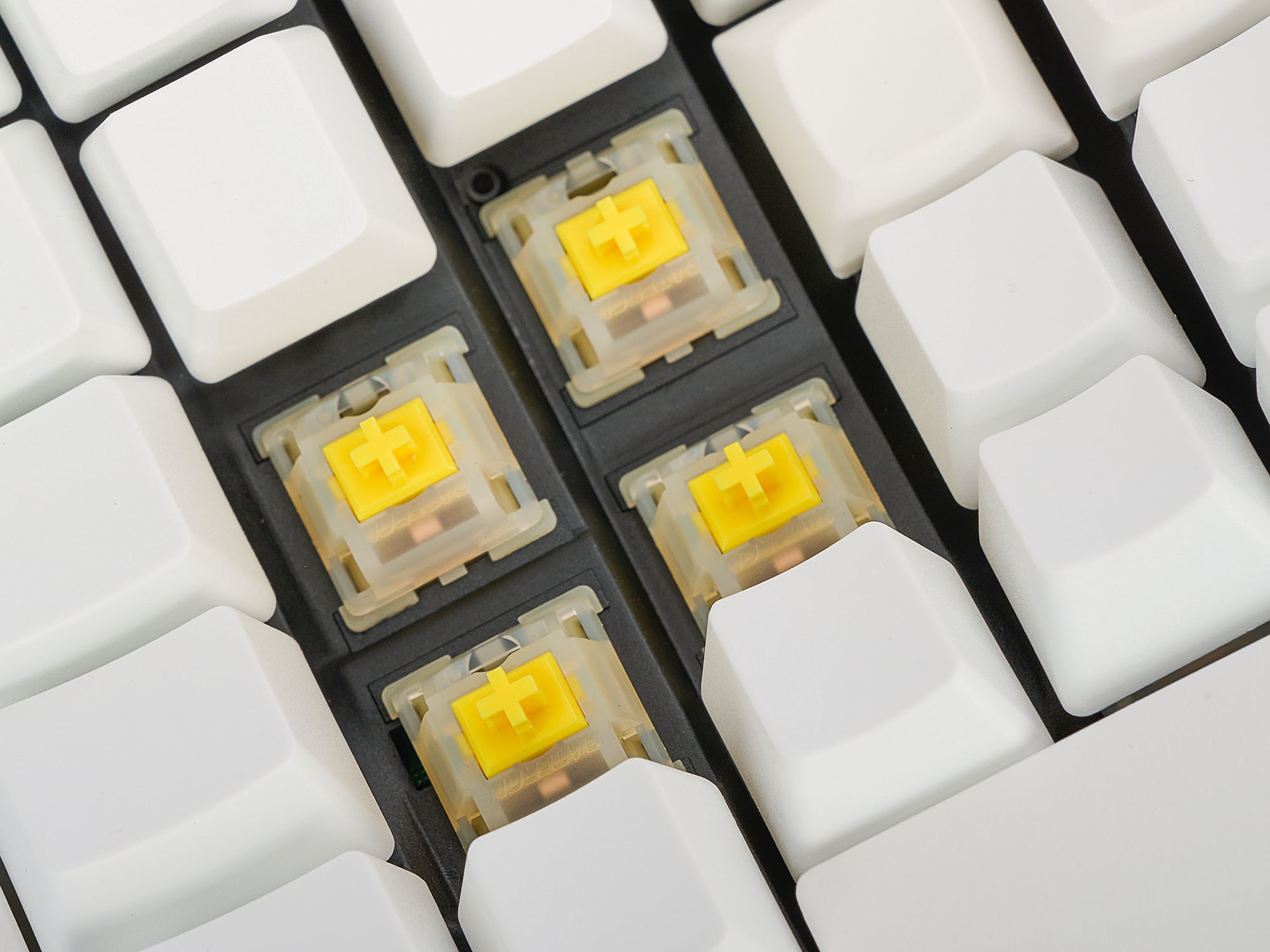
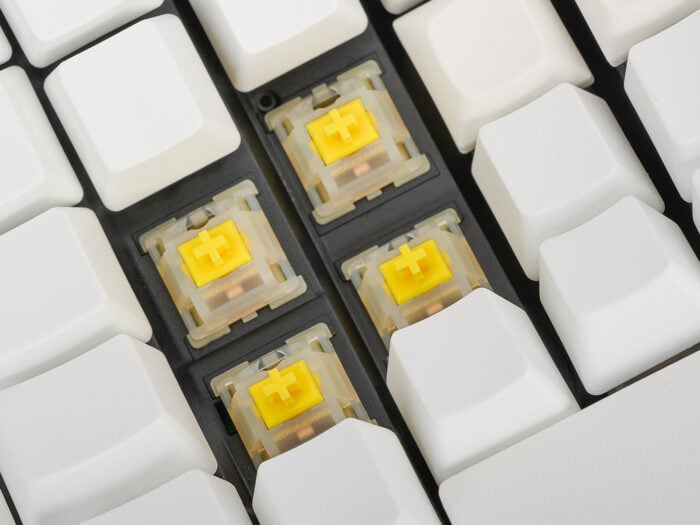
Gateron KS-3 Pro “Milky Yellow” Mechanical Key Switches
- Activation Force: 50 grams
- Travel Distance: 4.0 mm
- Buffer Zone: 2.0mm
- Feel: Linear
- Sound: Quiet and Rich
- Lubrication: Factory lubricated
Note: Keycap backlighting is only supported on the Pro model and only if you separately purchase the ABS Shine-Through keycap set.
Specs
Plug-and-Play compatible with all USB operating systems (no special drivers required)
- Windows 7-11
- macOS
- Linux
- Android
- Chrome
Advantage360 Dimensions & warranty
- Width (with included 10″ linking cable):
- Min Separation: 15.25 inches; Max Separation: 21.25 inches
- Distance between F & J Keys: Min: 7.25 inches; Max: 13.25 inches
- Width of each module: 7.5 inches
- Depth (front-to-back): 8 inches
- Height: Min 2.75 inches / Max 4 inches
- Weight: 3 lbs 4 oz
- USB A-C Main Cable: Braided, 6 feet
- USB C-C Link Cable: Braided, 10 inches
- Warranty: 3 year limited
- Package Contents (US Version): Keyboard, Main Cable, Link Cable, Quick Start Guide, and Bridge Connector
Advantage360 Professional Multichannel Bluetooth & Rechargeable Batteries
- Wireless Bluetooth Low-Energy (BLE)
- Range: ~30 feet
- Battery: 1500 mAh rechargeable Lithium Ion (Estimated Lifespan: 3 years, we plan to offer replacement batteries for sale)
- Battery life: Backlighting On: 1-5 days / Backlighting Off: 1-3 months
- Multichannel: Switch instantly between 5 Bluetooth-enabled devices
Advantage360 Professional Dimensions & warranty
- Width
- Min Separation: 15.25 inches; Max Separation: Up to the wireless pairing range
- Distance between F & J Keys: Min: 7.25 inches; Max: Up to the wireless pairing range
- Width of each module: 7.5 inches
- Depth (front-to-back): 8 inches
- Height: Min 2.75 inches / Max 4 inches
- Weight: 3 lbs 4.5 oz
- USB C Charging Cables: Braided, 6 feet 3 inches
- Warranty: 3 year limited
- Package Contents: Keyboard, Charging Cable (x2), Quick Start Guide, and Bridge Connector