
Kinesis Clique is a powerful new web-based programming interface that will eventually support custom programming of any ZMK-powered Kinesis device. Depending on when you purchased your Kinesis device was built it may be necessary to perform a firmware update to access Clique.
Advantage360 Professional Contoured Keyboard (KB360-PRO)
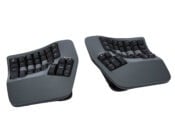 Run a status report using the command Mod+V in a text editor. If your firmware version has the word “clique” at the end you are ready to access Clique. If not, you will need to perform a one-time firmware update.
Firmware files and installation instructions can be found here: https://kinesis-ergo.com/360p-clique-upgrade/
Form Split Touchpad Keyboard (KB100)
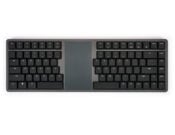 All FORM keyboards require a one-time firmware update to gain access to Clique.
Firmware files and installation instructions can be found here: https://kinesis-ergo.com/form-clique-upgrade/
mWave Mechanical Keyboard (KB150)
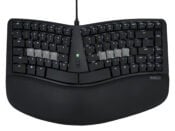 No firmware update is required at this time.
Mechanical Keypad LP (KP150)
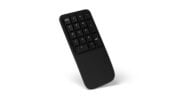 No firmware update is required at this time.
Important Note: Clique can only be accessed from a Chrome or Edge desktop browser.
